Best Budgeting Apps in NZ Compared
Published 23 May 2025 · Updated 15 August 2026 · Written by the ValueHub team · Reviewed by Steve Baron
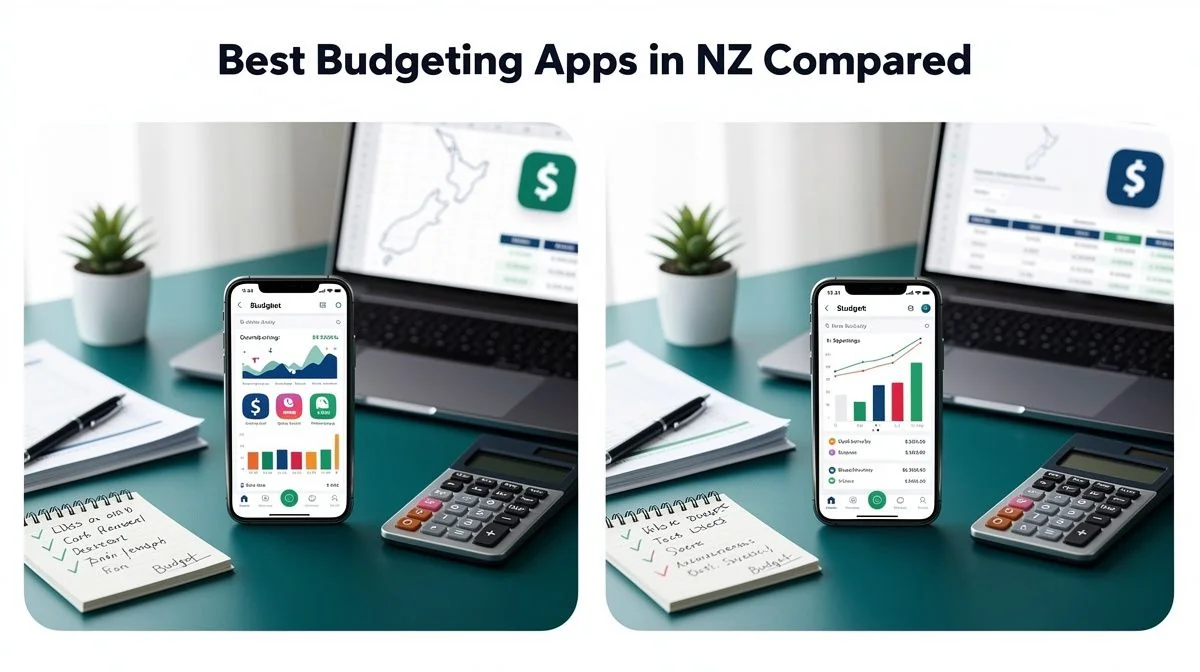
Best Budgeting Apps in NZ Compared
Most budgeting app comparisons you'll find for New Zealand are quietly out of date. They list tools that no longer work here, quote prices in US dollars, and promise bank feeds that stopped functioning years ago. We wanted to write the version we'd actually want to read.
So we did something different. We leaned on the one budgeting app that is genuinely New Zealand-built and publishes its own documentation, and we were honest about the rest. For every other tool, we describe the category it belongs to — bank-built spending trackers, a plain spreadsheet, a paper envelope system — rather than invent features or prices we can't stand behind.
The most interesting thing we found is that the plumbing has finally changed. New Zealand's open banking regime launched in December 2025, and it is the reason automatic bank feeds are becoming normal here rather than a workaround. Coverage is still partial, but the direction is clear.
How We Researched This Guide
We started with the providers' own published documentation rather than press releases or affiliate pages. PocketSmith's learn centre and plans page gave us the specifics on its free tier, its pricing, and how its New Zealand bank feeds actually work. We also read the open banking timeline to understand what changed and when.
Where a number wasn't published by the provider, we left it out. That's why you won't see a price for a tool we couldn't confirm — we'd rather describe the pattern than guess. The rules on side income come from Inland Revenue, and the free help options come from the Ministry of Social Development's Building Financial Capability programme, which is set out in full on msd.govt.nz. One thing surprised us: funded financial mentoring services are not allowed to accept fees, commissions or koha. That makes recommending them genuinely risk-free for you.
ValueHub's Trusted Providers
We've researched the providers below — here are our picks for this category.
Harmoney is often the most competitive for borrowers who don’t qualify for bank‑tier rates. Their risk‑based pricing means excellent credit gets very sharp rates, while average credit still gets fair pricing. Approval is fast, fully online, and fees are transparent.
The Quick Summary (60-Second Version)
If you only read one part of this guide, read this.
- PocketSmith is the only app we'll name with specifics. It's New Zealand-built, and its free plan covers manual imports, 2 accounts, 12 budgets, 2 dashboards and 6 months of projection — but no automatic bank feeds.
- Paid PocketSmith plans start from NZ$9.95 per month on annual billing and add automatic bank feeds, automatic categorisation and longer forecasting.
- New Zealand bank feeds run through Akahu, which has been an Accredited Requestor since open banking launched in December 2025. ANZ and BNZ are live, with ASB, Westpac and Kiwibank to follow.
- Your bank's own app probably already has a spending tracker. It's free, it's already connected, and for plenty of households it's enough.
- A spreadsheet costs nothing and does everything a paid app does, as long as you'll actually open it. Most people won't, and that's fine to admit.
- If money stress is the real problem, MoneyTalks on 0800 345 123 is free, confidential and funded by MSD. No sales pitch, ever.
What Actually Changed, and Why It Matters
For years, automatic bank feeds in New Zealand were held together with screen-scraping. That meant a budgeting app logged into your bank the way a browser would, reading what it could see. It worked, mostly, until a bank changed its login page. Then it broke, and you'd find out when your transactions stopped appearing.
Open banking replaced that. Under the regime that launched in December 2025, an accredited requestor can ask for your banking data with your authorisation. PocketSmith uses Akahu as its New Zealand data provider. Akahu has been in the market since 2017 and is an Accredited Requestor, meaning it's approved under the regime to make those requests.
The practical difference is meaningful. Where possible, Akahu reaches your data through the same access mechanisms and APIs the bank's own mobile app uses. Connecting a budgeting tool is now comparable to registering a new device with your banking app. That's a real shift in how safe and stable the connection is.
What's Live Right Now
Coverage is building, not finished. At the time of writing, open banking feeds were available for ANZ and BNZ, with ASB, Westpac and Kiwibank expected to follow. Transactional, savings and loan accounts are available under the feed, though some account types aren't yet shareable.
Choosing Between the Categories
Here's the thing about "best budgeting app" lists. They assume everyone wants the same thing. Most people don't. The right tool depends on how much friction you'll tolerate and how much automation you actually need.
| Approach | Automatic bank feeds | Cost | Best suited to |
|---|---|---|---|
| PocketSmith (free plan) | No — manual imports only | Free | Trying forecasting before paying |
| PocketSmith (paid) | Yes, via Akahu | From NZ$9.95/month, annual billing | Irregular income, multiple accounts, long-range planning |
| Your bank's own app | Already connected | Free with your account | Anyone who wants zero setup |
| A spreadsheet | No | Free | People who like building their own system |
| Paper envelopes | No | Free | Cash-based households and couples sharing a budget |
The Free Tier Limitation Nobody Mentions
PocketSmith's free plan is genuinely usable, but it does not include automatic bank feeds. That's the key limitation, and it's worth stating plainly because it's the feature most people sign up for. Manual imports, 2 accounts, 12 budgets, 2 dashboards and 6 months of projection — that's a real tool, just not an automated one.
The paid jump gets you automatic bank feeds, automatic categorisation and longer forecasting. If you're weighing up whether that's worth it, ask yourself one question: will you actually type in your transactions every week? If the answer is no, the free tier will quietly become a graveyard.
A Note on Billing
Subscriptions are charged in NZD for New Zealand users, which is a genuine plus over tools priced in USD. PocketSmith does note that some overseas card providers may add an international transaction fee of typically around 3 per cent. Worth checking with your card issuer before you sign up.
Making the Budget Work, Whatever You Use
The app is the easy part. The method is where budgets actually succeed or fail, and the failures cluster around the same few things.
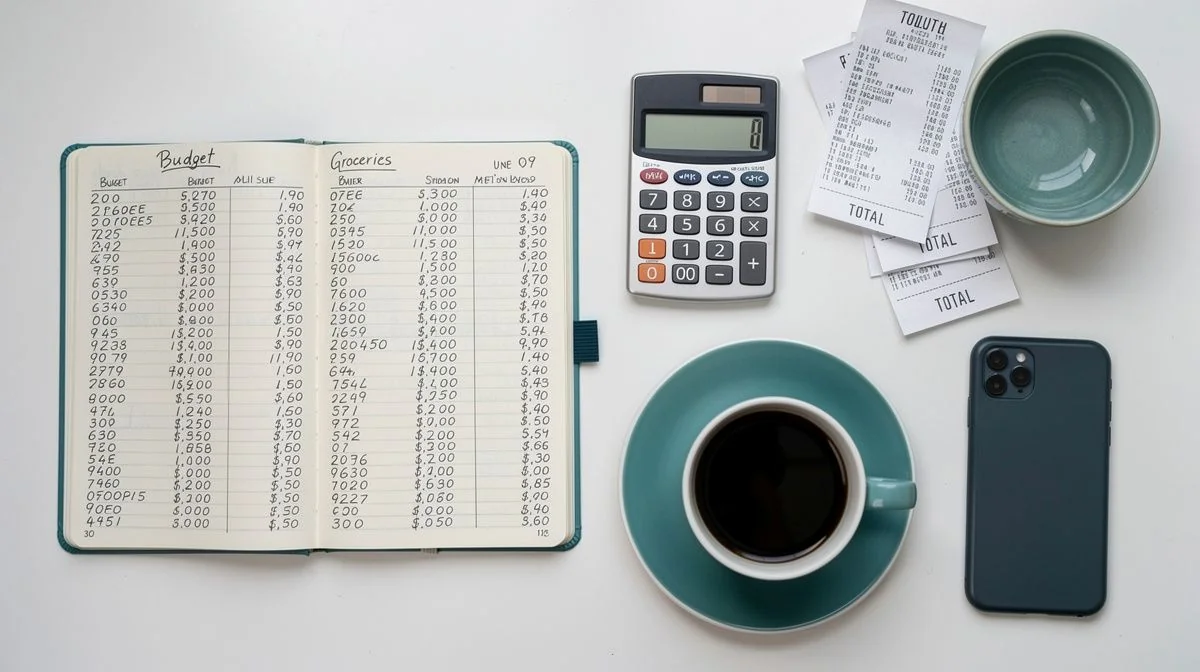
Start by tracking what you really spent, not what you think you spent. A month of real transactions beats an estimate every time, because most households underestimate irregular costs. Vehicle registration and WOF, insurance renewals, school costs, rates, Christmas — these are the expenses that break budgets. Total them for a year, divide by twelve, and treat that as a monthly cost.
If you want a fast first check, the 50/30/20 split is a reasonable starting point: 50 per cent of after-tax income to needs, 30 per cent to wants, 20 per cent to savings and extra debt repayment. It was popularised in the 2005 book All Your Worth. Its strength is speed — one month of spending tells you which bucket is out of balance.
But it needs a New Zealand caveat. The 50 per cent needs bucket assumes housing costs are roughly half a household budget. In parts of the country where rent or mortgage payments alone can exceed half of after-tax income, the ratio cannot be applied literally. If your needs exceed 50 per cent, the honest options are to increase income, reduce housing cost, or accept a smaller savings percentage temporarily. Not to pretend the numbers fit.
Two Rules That Hold Up
Automate the transfer on payday. Saving what's left at the end of the month reliably produces nothing, because there's never anything left. Schedule it and let the budget work around it.
Questions You Might Have
Do I need to pay for a budgeting app at all?
No. Your bank's app already categorises spending, and a spreadsheet is free forever. Paid tools earn their keep when you have irregular income, several accounts, or a genuine need to forecast months ahead. Start free, and upgrade only when you hit a wall the free option can't clear.
Is it safe to connect my bank account to a budgeting app?
Under open banking, accredited requestors can access your data with your authorisation, using the same mechanisms as your bank's own app. That's a meaningfully better setup than the old screen-scraping approach. Check your bank is on the supported list before you commit, because coverage is still building.
What if I'm behind on bills and can't budget my way out?
MoneyTalks is a free national helpline funded through MSD's Building Financial Capability programme. Call 0800 345 123, text 4029, or use the online chat. Financial mentors work with you one-on-one, advocate with creditors on your behalf, and negotiate reduced payments. The service is free and mentors cannot accept fees or koha for it.
Do I have to pay tax on a side hustle?
If you receive more than $200 in income with no tax deducted, you have to tell Inland Revenue, usually through an individual tax return. That covers self-employment, rental income including Airbnb, overseas income and cash jobs. Business records must be kept for 7 years, and you must register for GST once turnover reaches $60,000 in any 12-month period.
How do I stop a budget falling apart in month two?
Build in margin. A budget with no slack fails the first time the car needs a WOF. Fund the irregular costs monthly, automate your savings transfer on payday, and review the whole thing when your essential costs change rather than setting it once and hoping.
What Matters Most
The best budgeting tool is the one you'll still be using in three months. That sounds like a cop-out, but it's the honest answer. A free spreadsheet you open every Sunday beats a paid app you abandon in February.
What we'd actually suggest: start with what you already have. Your bank's app and a notebook will tell you where your money went last month, and that's the only information you genuinely need to begin. If you want forecasting and automatic feeds, PocketSmith is the one we can describe with confidence, and its free plan lets you test the method before paying.
And if the problem isn't tracking but stress — bills you can't cover, debt that keeps growing — skip the apps entirely and call MoneyTalks. Free, confidential, and nobody's selling you anything.

The ValueHub Team built this site because finding clear, unbiased financial information in New Zealand was harder than it should be. Every guide is based on real research — we compare the actual fees, terms, and fine print so you don't have to. Our tip: shop around every year, read the policy docs, and never assume loyalty gets you the best deal.— The ValueHub Team
Try our Calculators
Use these free tools to crunch the numbers:
KiwiSaver Fund Comparison
Compare fees, returns, and risk levels across every KiwiSaver fund — the most up to date data in New Zealand.
Currency Converter — USD to NZD
Convert US Dollars to New Zealand Dollars instantly. See the latest exchange rate and 30-day trend.
Mortgage Repayment Calculator
Calculate your weekly, fortnightly, or monthly mortgage repayments. Free NZ mortgage calculator — try different rates, terms, and repayment frequencies.
Compound Interest Calculator
See how your savings grow with compound interest over time. Free NZ compound interest calculator with yearly, monthly, and weekly compounding options.
Term Deposit Calculator
Calculate your term deposit returns before you lock in. Compare interest earned across different terms and rates with ValueHub's free calculator.
Savings Goal Calculator
Calculate how long it will take to reach your savings goal — and what monthly deposit you need to get there. Free NZ savings planner.
Related Articles
How to Build an Emergency Fund in New Zealand
Learn how to build an emergency fund in NZ step by step, including how much to save for 3-6 months of essential expenses and where to keep it.
guideHow to Create a Family Budget in New Zealand
Create a family budget in NZ with practical steps, tools, and tips to track spending, cut costs, and save for goals despite rising living costs.