How to Hire a Computer Repair Technician in NZ
Published 10 July 2025 · Updated 14 July 2026
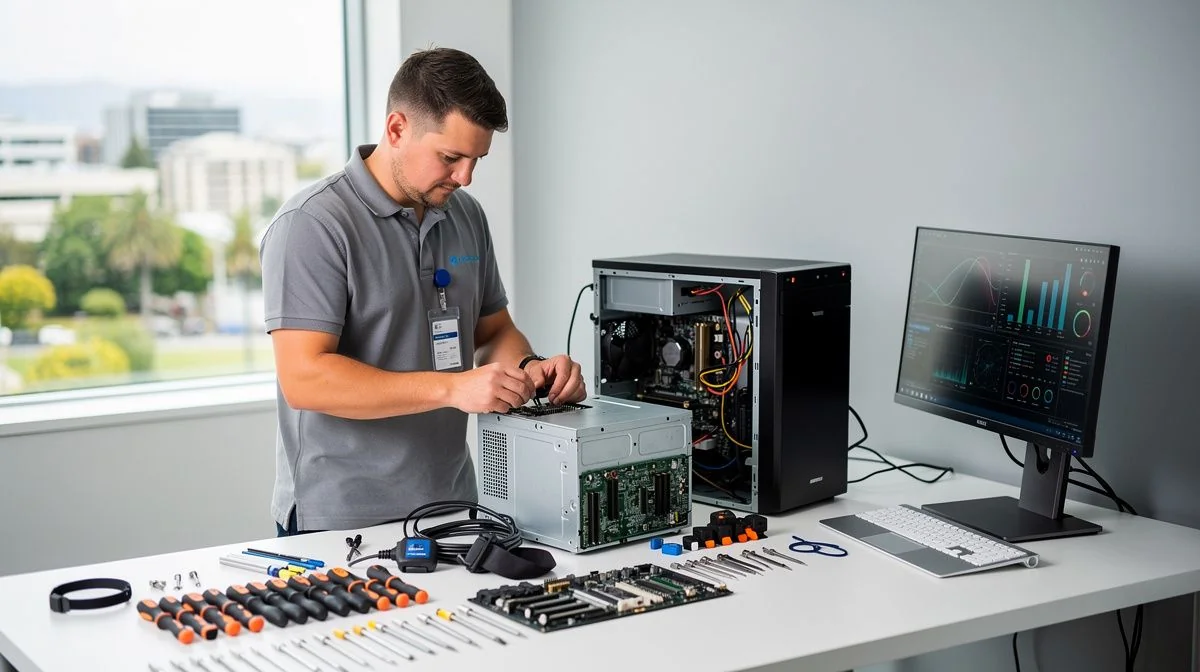
What does a computer repair technician do?
A computer repair technician diagnoses and fixes hardware and software problems on desktops, laptops, tablets, and sometimes smartphones. In New Zealand, these professionals range from independent sole traders working from home workshops to larger franchise operations like those affiliated with The Computer Shop or PB Tech’s service centres. You might need one if your machine won’t boot, runs slowly, has virus issues, suffers physical damage (spilled drink, cracked screen), or needs data recovery. The role can also include network setup, printer troubleshooting, and upgrading components like RAM or SSDs.
Because computers are central to work, study, and daily life, finding a trustworthy technician matters. Unlike regulated trades such as electrical work, computer repair in New Zealand is largely unregulated – meaning almost anyone can call themselves a technician. That’s why understanding what qualifications and experience to look for is essential.
Qualifications and industry bodies in New Zealand
There is no single licensing body for computer repair technicians in New Zealand. However, several industry-recognised certifications and local qualifications can give you confidence in a technician’s competence.
Vendor-neutral certifications
The most common entry-level certification is CompTIA A+. It’s internationally recognised and covers hardware, software, networking, security, and troubleshooting. Many NZ technicians hold this credential. Higher-level CompTIA certifications include Network+ and Security+. Technicians with these are better equipped to handle advanced issues.
Microsoft Certified Professional (MCP) and Apple Certified Mac Technician (ACMT) are vendor-specific qualifications. If you have a Mac, look for ACMT – it signals the technician has Apple‑approved training. Similarly, technicians who work with business networks may hold Cisco Certified Network Associate (CCNA) or vendor-specific certifications.
New Zealand qualifications
The New Zealand Qualifications Authority (NZQA) lists several IT-related programmes. New Zealand Certificate in Information Technology (Level 5) is a common tertiary qualification that covers fundamental repair and support skills. Some polytechnics and private training establishments offer diplomas or certificates specifically in computer servicing – for example, the New Zealand Certificate in Information Technology (Technical Support) (Level 5). A technician who has completed one of these will have a formal understanding of hardware, operating systems, and customer service.
Industry bodies
IT Professionals New Zealand (formerly IITP) is the main professional body for ICT workers in New Zealand. While it does not license technicians, membership indicates a commitment to ethical standards and ongoing professional development. You can ask a technician if they are a member.
TechForum New Zealand and local user groups (like Wellington PC User Group or Auckland PC Club) also list directories of reputable repairers, though these are informal.
Police vetting and data security
Because technicians access your personal files, some reputable businesses voluntarily offer Police vetting for their staff. Ask whether the technician has a policy on data privacy – for example, using encrypted devices and signing non-disclosure agreements. This is especially important if the computer contains sensitive business or financial information.
How to choose the right technician
Start by asking for recommendations from friends, family, or colleagues. Online reviews on Google, Facebook, and Neighbourly can give you a sense of a local technician’s reputation, but treat them with caution – one or two bad reviews may not be representative.
When you’ve shortlisted a few, ask these questions:
- What certifications or qualifications do you hold? Look for CompTIA A+, vendor-specific certs, or an NZQA IT qualification.
- How long have you been repairing computers? Experience with a range of brands and operating systems is valuable.
- Do you have experience with my specific make/model? Some technicians specialise in Apple or custom gaming PCs.
- What is your data privacy policy? Will your technician sign a non-disclosure agreement? Do they back up your data before starting work?
- Do you provide a written quote or estimate? Most reputable technicians will diagnose first and provide a quote before proceeding with repairs.
- What warranty do you offer on parts and labour? Common practice is 30–90 days on labour and up to 12 months on new parts.
- Do you offer a turnaround time estimate? For common repairs like SSD upgrades, same-day or next-day service is typical. For complex data recovery or motherboard repairs, it may take several days.
Always get a written quote – even if it’s a simple email outlining the problem, the work to be done, and the cost. Under the Consumer Guarantees Act (CGA), services must be carried out with reasonable care and skill. A written quote helps hold the technician accountable.
Typical costs and pricing in New Zealand
Computer repair pricing in NZ varies by location, technician experience, and the complexity of the issue. Generally, you will encounter one of these structures:
Diagnostic fees
Most technicians charge a non-refundable diagnostic fee of $50–$100 to identify the problem. Some waive this fee if you proceed with the repair. Always ask about this before handing over your device.
Labour rates
- Independent technicians: $60–$90 per hour (especially in smaller towns or suburbs)
- Specialist or franchise stores: $80–$120 per hour (in main centres like Auckland, Wellington, Christchurch)
- Call-out fees: If the technician travels to your home or office, expect an extra $30–$60 for the first hour, or a flat call-out charge of around $100.
Fixed-price repairs
Many common repairs have fixed prices. Typical NZ examples (including labour but not parts): - Screen replacement (laptop): $150–$350 (parts can be $100–$250) - SSD upgrade (including data transfer): $120–$200 (plus cost of SSD) - Virus removal: $80–$150 - Data recovery (logical failure): $150–$400; for physical failures (e.g., dead hard drive) $400–$1,500 depending on specialist cleanroom work - Windows reinstallation: $80–$150
Parts are usually charged at retail price plus a small markup (10–20%). You can ask for an itemised invoice showing parts and labour separately.
What affects cost?
- Urgency: Rush jobs often attract a premium.
- Parts availability: For older or rare machines, sourcing parts may take longer and cost more.
- Data recovery difficulty: Simple software recovery is cheaper than mechanical hard-drive repair, which requires specialised equipment.
- Location: Technicians in rural areas may charge higher travel fees.
Always get at least two quotes for significant repair work. Be wary of quotes that seem too cheap – they may indicate inferior parts or insufficient insurance cover.
Red flags to watch for
Because computer repair is lightly regulated, you need to be alert to warning signs. Avoid a technician who:
- Refuses to give a written quote or estimate. Verbal only? Walk away.
- Pressures you into expensive upgrades you didn’t ask for. A good technician explains options, doesn’t push.
- Guarantees data recovery without first examining the drive. Data recovery is never 100% guaranteed.
- Offers no warranty on labour or parts. Most decent technicians offer at least 30 days.
- Uses generic parts of unknown origin, especially for power supplies or batteries. Cheap knock-offs are a fire risk.
- Cannot or will not show any certifications or references.
- Demands full payment upfront, especially before diagnosing the problem. A small deposit (e.g., $20–$50) for diagnostic fees is normal; full payment before work is not.
- Works out of a van without a business address. While many mobile technicians are legitimate, a fixed premises makes it easier to follow up if something goes wrong.
- Claims they can fix any problem instantly. Real repairs take time.
If the technician asks for passwords or access to your online accounts (rather than just the computer), be very cautious. Reputable technicians will ask you to log in and then lock the device, or they’ll use a guest account. Never give out passwords to banking or sensitive accounts.
Tips for getting the best results
Follow these steps to ensure a smooth repair experience:
- Back up your data first. If you can, copy important files to an external drive or cloud service before handing over the computer. If the hard drive is dead, that’s not possible – but you’ll then know data recovery is needed.
- Write down your symptoms. Describe exactly what happens (error messages, beeps, screen behaviour). This helps the technician diagnose faster.
- Get everything in writing. Quote, estimate, invoice, warranty terms. Keep copies.
- Remove any sensitive files. Even if you trust the technician, delete or encrypt private documents from the user’s “Documents” folder. Or create a separate user account free of personal data.
- Ask for old parts back. If a component is replaced, you have a right to the old part (unless the technician needs it for warranty return). This prevents them from billing for parts they didn’t install.
- Check your consumer rights. Under the Consumer Guarantees Act, any repair service must be carried out with reasonable care and skill. If the work is faulty, you can ask for a free re‑repair or a refund. The Fair Trading Act also prohibits misleading conduct, such as claiming unnecessary repairs.
- Test the computer thoroughly before paying. Run it for a few hours, check all ports and functions. If the problem recurs, take it back straight away.
- Build a relationship. If you find a good technician, keep their details. Regular maintenance (like cleaning dust from fans, checking for malware) can extend your computer’s life.
Disclaimer
The information in this guide is intended as a general overview and should not be taken as professional legal or technical advice. Laws and business practices vary, and you should always verify a technician’s credentials and terms directly before engaging their services. For specific concerns about your rights, contact the Ministry of Business, Innovation and Employment (MBIE) or New Zealand’s Consumer Protection agency.

The ValueHub Team built this site because finding clear, unbiased financial information in New Zealand was harder than it should be. Every guide is based on real research — we compare the actual fees, terms, and fine print so you don't have to. Our tip: shop around every year, read the policy docs, and never assume loyalty gets you the best deal.— The ValueHub Team
Try our Calculators
Use these free tools to crunch the numbers:
KiwiSaver Fund Comparison
Compare fees, returns, and risk levels across every KiwiSaver fund from all 31 NZ providers.
Currency Converter — USD to NZD
Convert US Dollars to New Zealand Dollars instantly. See the latest exchange rate and 30-day trend.
Mortgage Repayment Calculator
Calculate your weekly, fortnightly, or monthly mortgage repayments. Free NZ mortgage calculator — try different rates, terms, and repayment frequencies.
Compound Interest Calculator
See how your savings grow with compound interest over time. Free NZ compound interest calculator with yearly, monthly, and weekly compounding options.
Term Deposit Calculator
Calculate your term deposit returns before you lock in. Compare interest earned across different terms and rates with ValueHub's free calculator.
Savings Goal Calculator
Calculate how long it will take to reach your savings goal — and what monthly deposit you need to get there. Free NZ savings planner.
Related Articles
How to Hire a Concreter in New Zealand
Your NZ-wide guide to hiring a concreter. Learn qualifications, costs, red flags, and tips for driveways, patios, foundat...
guideHiring a Dog Boarding in NZ: Complete Guide
Your guide to choosing a dog boarding service in New Zealand. Learn about qualifications, costs, red flags, and what to c...