Best Computer Repair Technicians in Napier
Published 24 January 2025 · Updated 18 August 2026
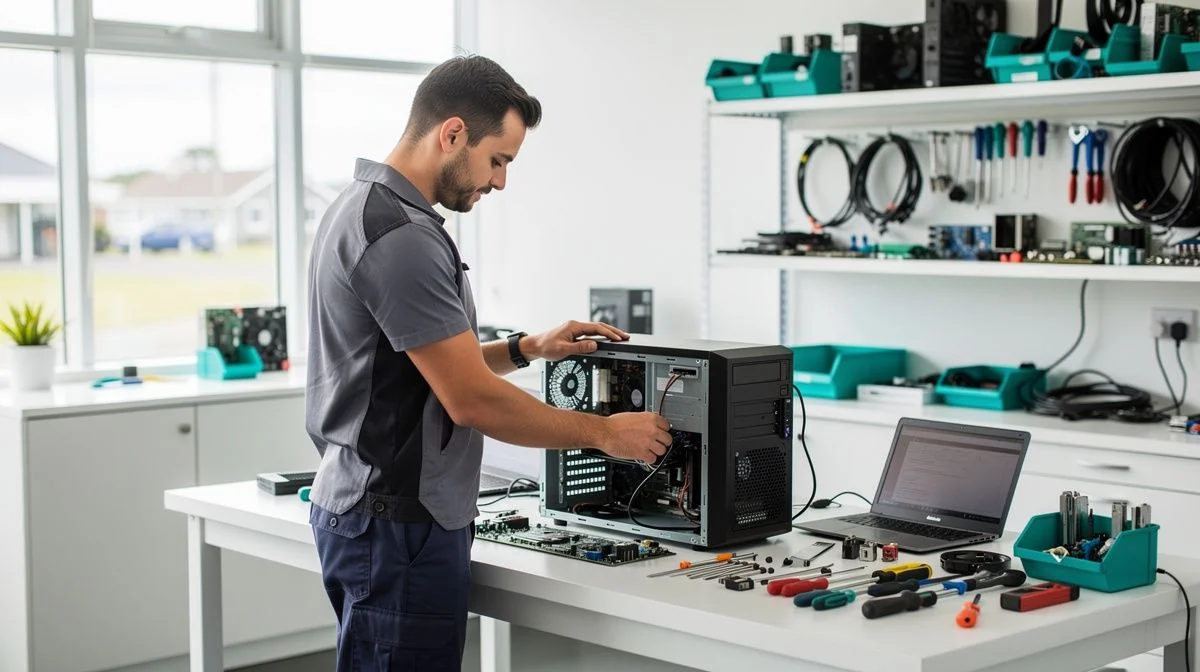
Best Computer Repair Technicians in Napier
When your computer decides to play up, it can throw your whole day into chaos. Whether you're running a business in Ahuriri or studying from home in Taradale, finding a reliable technician in Napier who actually shows up and fixes the problem is worth its weight in gold. The good news is that Hawke's Bay has a solid pool of skilled computer repair specialists, but knowing how to pick the right one saves you time, money, and headaches.
What to look for when hiring a Computer Repair Technician in Napier
Not all technicians are created equal, and a few key qualities separate the pros from the cowboys. Here's what we'd recommend keeping an eye out for:
- Local experience — A technician who knows Napier's business landscape and common local IT setups will get you faster
- Clear communication — They should explain the problem in plain English, not techno-babble that leaves you more confused
- Transparent pricing — Look for someone who quotes a flat fee or an hourly rate upfront, with no nasty surprises
- Relevant certifications — While not mandatory, CompTIA A+ or Microsoft certifications show they've invested in their skills
- Insurance cover — Professional indemnity and public liability insurance protect you if something goes wrong during the repair
- Positive local reviews — Check Google or Neighbourly for feedback from other Napier residents
Key questions to ask before hiring
Asking the right questions upfront can save you a whole lot of grief. Try these before you hand over your machine:
- "Do you offer a fixed-price diagnostic fee, or is it charged by the hour?"
- "What's your turnaround time for common repairs like screen replacements or virus removal?"
- "Do you provide a warranty on parts and labour?"
- "Can you access my computer remotely, or do I need to bring it in?"
- "What happens if the problem turns out to be more serious than first thought?"
- "Do you back up data before working on a device?"
Tips for getting the best results
Your computer repair experience will go much smoother if you set yourself up for success from the start. Here are a few practical tips:
- Back up your important files before handing over your device — this is non-negotiable, even if the technician offers to do it
- Write down exactly what's happening — error messages, strange sounds, or when the problem started. This helps with an accurate diagnosis
- Remove any sensitive information if you're worried about privacy, or ask about their data handling policy
- Get everything in writing — quotes, warranties, and expected completion dates should be confirmed via email or text
- Ask about data recovery options before any work begins if you think files might be at risk
A note about costs and getting quotes
Computer repair costs in Napier can vary quite a bit depending on the issue and the technician's experience. You might expect to pay anywhere from $50 to $100 for a standard diagnostic fee, with labour rates typically sitting between $80 and $150 per hour. Simple fixes like software issues or virus removal often cost less than hardware repairs such as replacing a hard drive or screen.
Always get at least two or three quotes before committing, especially for bigger jobs. A reputable technician will happily provide a written estimate and won't pressure you into making a snap decision. And remember — if a quote seems suspiciously cheap, there's usually a reason. Check with your local council for current requirements regarding trading standards if you're unsure about a particular business.

The ValueHub Team built this site because finding clear, unbiased financial information in New Zealand was harder than it should be. Every guide is based on real research — we compare the actual fees, terms, and fine print so you don't have to. Our tip: shop around every year, read the policy docs, and never assume loyalty gets you the best deal.— The ValueHub Team
Try our Calculators
Use these free tools to crunch the numbers:
KiwiSaver Fund Comparison
Compare fees, returns, and risk levels across every KiwiSaver fund from all 31 NZ providers.
Currency Converter — USD to NZD
Convert US Dollars to New Zealand Dollars instantly. See the latest exchange rate and 30-day trend.
Mortgage Repayment Calculator
Calculate your weekly, fortnightly, or monthly mortgage repayments. Free NZ mortgage calculator — try different rates, terms, and repayment frequencies.
Compound Interest Calculator
See how your savings grow with compound interest over time. Free NZ compound interest calculator with yearly, monthly, and weekly compounding options.
Term Deposit Calculator
Calculate your term deposit returns before you lock in. Compare interest earned across different terms and rates with ValueHub's free calculator.
Savings Goal Calculator
Calculate how long it will take to reach your savings goal — and what monthly deposit you need to get there. Free NZ savings planner.
Computer Repair Technicians in Other Cities
Latest Guides & Reviews
New Zealand Financial Markets Authority Guide: Investor Protection in NZ
Protect your investments with this practical guide to the FMA — how to check licences, spot scams, and what to do if a provider fails. Verified against...
comparisonEV Home Charger NZ: Costs & Buying Guide
Compare EV home charger costs in NZ — verified prices from $1,299, installation fees, smart features, and what actually matters for your home's power supply.
guideThe Most Popular EVs in New Zealand
The best-selling electric cars in New Zealand, ranked by official registration data. Top BEV and PHEV models and brands, updated monthly.
guideEV Market Stats
New Zealand's EV market in numbers — market share, fleet size, top-selling models and used imports, updated with the latest NZTA and MIA data.