Best Computer Repair Technicians in Porirua
Published 22 January 2025 · Updated 18 August 2026
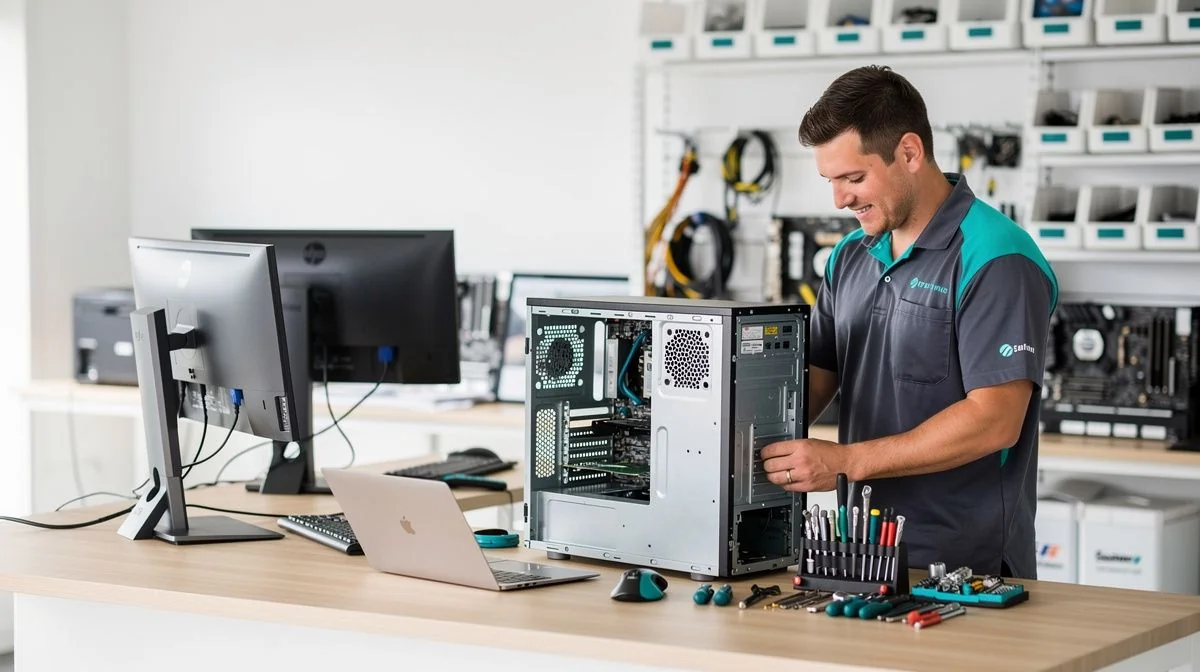
If your laptop suddenly refuses to boot, your desktop is infected with malware, or your internet has dropped out in the middle of a workday, you need a reliable computer repair technician in Porirua. Whether you’re in Elsdon, Titahi Bay, or central Porirua, finding someone who can diagnose the problem quickly and honestly is essential.
Computers are central to how we work, learn, and connect. When they break, the disruption can be stressful. That’s why it pays to know what to look for when choosing a technician and how to get the best result without overpaying. This guide covers everything you need to hire a computer repair technician in Porirua with confidence.
What to look for when hiring a computer repair technician in Porirua
Not all computer repair services are equal. Here are the key things to check before you hand over your device.
- Local reputation – Ask neighbours, colleagues, or local Facebook community groups for recommendations. Word of mouth in Porirua can tell you a lot about reliability and pricing.
- Qualifications and experience – Look for technicians who hold recognised industry certifications such as CompTIA A+, Microsoft Certified Professional, or Apple certified status. Experience with both Windows and macOS is a bonus.
- Range of services – A good technician should handle hardware repairs, virus removal, data recovery, system upgrades, and network setup. If they specialise only in one area, make sure it matches your problem.
- Warranty on repairs – Reliable technicians will stand by their work. Ask if they offer a warranty – typically 30 to 90 days – on parts and labour.
- Turnaround time – How long will the repair take? If you rely on your computer for work or study, a quick turnaround is critical. Some jobs take a few hours; others may require a couple of days if parts need ordering.
- Clear communication – The technician should explain the issue, the fix, and the costs upfront in plain language (not tech jargon). If they’re vague, it’s a red flag.
- Insurance – Accidents happen. Make sure the technician has public liability insurance that covers accidental damage to your device during repair.
Key questions to ask before hiring
Before you agree to any work, ask these questions to avoid surprises:
- “Can you provide a written quote before starting?” – Verbal estimates can balloon. A written quote gives you a fixed price or at least a maximum limit.
- “Do you charge a diagnostic fee, and is it refundable if I proceed with the repair?” – Many technicians charge $50–$90 just to diagnose the problem. Some waive this if you go ahead with the repair. Know the policy upfront.
- “Will you use genuine or compatible parts?” – Using genuine parts (like official Apple or Dell components) often costs more but ensures quality. Compatible parts can be fine, but confirm the warranty that comes with them.
- “What is your policy on data privacy?” – Your files, passwords, and personal information are on that drive. Ask if they follow a strict privacy policy and whether data is kept confidential. Some technicians will have you sign a disclaimer.
- “How long have you been fixing computers in Porirua?” – Local experience often means they understand common issues in the area (e.g., power surge problems after storms, or reliable internet providers for testing connectivity).
- “Can you give me an example of a similar repair you’ve done?” – A technician who has solved the same problem before is far more likely to get it right the first time.
Tips for getting the best results
Hiring a computer repair technician is only half the battle. Here’s how to make the process smooth and successful.
- Back up your data first – If your computer still works, back up all important files to an external drive or cloud service before handing it over. This protects you if anything goes wrong during the repair.
- Write down the problem clearly – Describe the symptoms: what happened, when, and any error messages. Screenshots or photos can help the technician start diagnosing faster.
- Remove sensitive information – Log out of banking, email, and social media accounts on the device. If possible, remove or encrypt any particularly sensitive files.
- Ask about software licences – If the problem involves reinstalling your operating system or software, make sure you have your licence keys handy. The technician can’t legally install unlicensed software.
- Get everything in writing – A receipt or invoice should list the work done, parts replaced, warranty terms, and total cost. This protects both you and the technician if a dispute arises.
- Check for follow-up support – A good technician will offer a brief check-in a day or two after the repair to confirm everything is working properly.
A note about costs and getting quotes
Computer repair pricing in Porirua varies depending on the complexity of the problem and whether you take your device to a shop or have the technician come to you. Here’s a general idea of what to expect.
- Diagnostic fee – Typically between $50 and $90. Some technicians offer free diagnostics if you proceed with the repair, but always confirm first.
- Labour charges – Hourly rates usually range from $80 to $150 per hour. Flat fees for common jobs (like virus removal or screen replacement) are common and can be more predictable.
- Parts and markup – Replacement parts (screens, batteries, hard drives) are charged at cost plus a markup – usually 20% to 40%. Ask for a breakdown so you know what you’re paying for.
- On-site vs drop-off – Having a technician come to your home or office in Porirua may incur an extra call-out fee of $30–$60. Drop-off at a shop is generally cheaper.
The best way to avoid overpaying is to get at least two written quotes for the same problem. Compare what’s included – especially whether the quote covers parts, labour, and any additional software costs. If a price seems too low, ask if hidden fees might apply later. And if a quote feels high, get a second opinion before committing.
Finally, remember that a cheap repair isn’t always a good repair. A skilled technician who charges a fair rate and backs their work with a warranty

The ValueHub Team built this site because finding clear, unbiased financial information in New Zealand was harder than it should be. Every guide is based on real research — we compare the actual fees, terms, and fine print so you don't have to. Our tip: shop around every year, read the policy docs, and never assume loyalty gets you the best deal.— The ValueHub Team
Try our Calculators
Use these free tools to crunch the numbers:
KiwiSaver Fund Comparison
Compare fees, returns, and risk levels across every KiwiSaver fund from all 31 NZ providers.
Currency Converter — USD to NZD
Convert US Dollars to New Zealand Dollars instantly. See the latest exchange rate and 30-day trend.
Mortgage Repayment Calculator
Calculate your weekly, fortnightly, or monthly mortgage repayments. Free NZ mortgage calculator — try different rates, terms, and repayment frequencies.
Compound Interest Calculator
See how your savings grow with compound interest over time. Free NZ compound interest calculator with yearly, monthly, and weekly compounding options.
Term Deposit Calculator
Calculate your term deposit returns before you lock in. Compare interest earned across different terms and rates with ValueHub's free calculator.
Savings Goal Calculator
Calculate how long it will take to reach your savings goal — and what monthly deposit you need to get there. Free NZ savings planner.
Computer Repair Technicians in Other Cities
Latest Guides & Reviews
New Zealand Financial Markets Authority Guide: Investor Protection in NZ
Protect your investments with this practical guide to the FMA — how to check licences, spot scams, and what to do if a provider fails. Verified against...
comparisonEV Home Charger NZ: Costs & Buying Guide
Compare EV home charger costs in NZ — verified prices from $1,299, installation fees, smart features, and what actually matters for your home's power supply.
guideThe Most Popular EVs in New Zealand
The best-selling electric cars in New Zealand, ranked by official registration data. Top BEV and PHEV models and brands, updated monthly.
guideEV Market Stats
New Zealand's EV market in numbers — market share, fleet size, top-selling models and used imports, updated with the latest NZTA and MIA data.