Best Computer Repair Technicians in Masterton
Published 22 January 2025 · Updated 18 August 2026
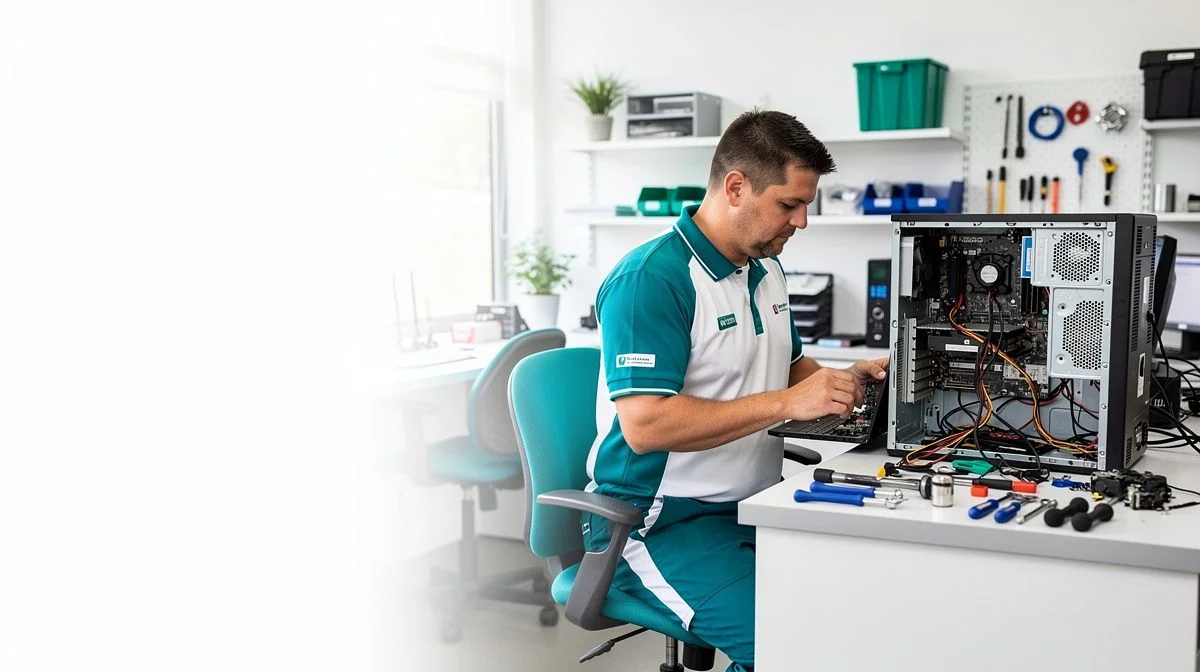
Finding a Computer Repair Technician in Masterton
Whether your laptop freezes at the worst possible moment, a virus has locked up your files, or you need a hard drive upgrade to keep up with work, finding a reliable computer repair technician in Masterton doesn't have to be a headache. Masterton, as the main service hub of the Wairarapa, is home to a mix of independent computer specialists, mobile technicians, and a few larger electronics repair chains.
The good news is that you have options. Many local techs offer fast turnaround times and understand the specific needs of rural and small‑business clients. The key is knowing what to look for so you don’t end up with a temporary fix or, worse, lost data.
What to look for when hiring a Computer Repair Technician in Masterton
Choosing the right person to work on your computer is about more than just price. Here are the main things to consider when comparing Masterton repair services:
- Experience and specialisation. Some technicians focus on PC hardware, others on Macs, or on specific issues like data recovery or network set‑ups. Ask if they regularly handle your type of problem.
- Industry certifications. While not compulsory, qualifications like CompTIA A+ or Microsoft Certified Professional show a technician has met a recognised standard. Many experienced technicians are self‑taught, so don’t rule someone out over a lack of certificates – but it’s a good talking point.
- Local reputation. In Masterton, word of mouth matters. Ask neighbours, colleagues at local businesses, or check community social media pages like the Masterton Community Noticeboard for recommendations. A technician with a long‑standing local presence often has the strongest reputation.
- Turnaround time. Ask how quickly they can diagnose and repair common issues. If you rely on your computer for work or study, same‑day or next‑day service might be essential.
- Data security and privacy. Your computer may contain personal photos, bank details, or business documents. A trustworthy technician should explain how they protect your data and whether they use secure, encrypted systems.
- Warranty on repairs. Look for a technician who stands behind their work with a warranty – typically 30 days to three months on parts and labour. This protects you if the same issue recurs soon after.
Our Trusted Computer Repair Technicians
We feature businesses that demonstrate strong performance, proven experience, and consistently positive customer feedback. Some of the providers listed may have commercial relationships with us, but all are selected based on quality and reliability.
To begin, reach out to them and speak with them directly — this helps you explain your job, ask questions, and confirm whether they're the right fit.
Your Partner in IT Excellence, Reliable Communication, and Robust Security. Fixed Price Projects Get in touch for free quote and will complete project in agreed price. No fix, No Fee Yes, you read it right, we have “No Fix, No FEE” policy, which simply means, our customers are always on winning side.
Key questions to ask before hiring
Before you hand over your computer, ask these questions. The answers will tell you a lot about the technician’s professionalism and approach:
- Do you offer a fixed price or an estimate first? Some technicians charge a flat fee for common repairs (like virus removal or a screen replacement), while others work on an hourly rate. A clear upfront quote avoids surprises.
- What is the diagnostic fee? Most techs charge a non‑refundable fee just to look at the computer. This usually ranges from a modest amount up to around an hour of labour. Ask if the diagnostic fee is waived if you authorise the repair.
- Do you back up data before working on a computer? A good technician will strongly advise you to back up your files first, or offer a backup service as part of the job. If they don’t raise it, that’s a red flag.
- How long have you been repairing computers in Masterton? Experience in the local area often means they know common issues (like power surges from rural areas or weather‑related damage) and can get parts quickly from nearby suppliers.
- Can you work on my specific operating system? If you’re running an older version of Windows or macOS, or have a Linux setup, confirm they have experience with it.
- Do you offer remote support or only in‑person? In many cases, simple software issues can be fixed remotely, which can save you travel time. Masterton‑based techs often offer both options.
Tips for getting the best results
Your computer is an investment, and a little preparation can make the repair process smoother and more successful:
- Write down the problem before you go. When does the issue happen? Any error messages? What have you already tried? The more detail you provide, the faster the diagnosis.
- Back up everything important. Even though a technician will take care, accidents can happen. Copy important documents, photos, and any business data to an external drive or cloud service before handing your machine over.
- List any passwords or accounts you might need. If the technician needs to test your internet connection or reinstall software, they may require login details – but never share your regular passwords.

The ValueHub Team built this site because finding clear, unbiased financial information in New Zealand was harder than it should be. Every guide is based on real research — we compare the actual fees, terms, and fine print so you don't have to. Our tip: shop around every year, read the policy docs, and never assume loyalty gets you the best deal.— The ValueHub Team
More Computer Repair Technicians in Masterton
These businesses also operate in this area.
Providing 24x7 IT support and services to big and small businesses accross Wairarapa. If you are Looking for astonishing IT service, Hate visiting every user's desk to make updates. Spending too much time managing email signatures. Want high-quality HTML signatures on all devices.
Try our Calculators
Use these free tools to crunch the numbers:
KiwiSaver Fund Comparison
Compare fees, returns, and risk levels across every KiwiSaver fund from all 31 NZ providers.
Currency Converter — USD to NZD
Convert US Dollars to New Zealand Dollars instantly. See the latest exchange rate and 30-day trend.
Mortgage Repayment Calculator
Calculate your weekly, fortnightly, or monthly mortgage repayments. Free NZ mortgage calculator — try different rates, terms, and repayment frequencies.
Compound Interest Calculator
See how your savings grow with compound interest over time. Free NZ compound interest calculator with yearly, monthly, and weekly compounding options.
Term Deposit Calculator
Calculate your term deposit returns before you lock in. Compare interest earned across different terms and rates with ValueHub's free calculator.
Savings Goal Calculator
Calculate how long it will take to reach your savings goal — and what monthly deposit you need to get there. Free NZ savings planner.
Computer Repair Technicians in Other Cities
Latest Guides & Reviews
New Zealand Financial Markets Authority Guide: Investor Protection in NZ
Protect your investments with this practical guide to the FMA — how to check licences, spot scams, and what to do if a provider fails. Verified against...
comparisonEV Home Charger NZ: Costs & Buying Guide
Compare EV home charger costs in NZ — verified prices from $1,299, installation fees, smart features, and what actually matters for your home's power supply.
guideThe Most Popular EVs in New Zealand
The best-selling electric cars in New Zealand, ranked by official registration data. Top BEV and PHEV models and brands, updated monthly.
guideEV Market Stats
New Zealand's EV market in numbers — market share, fleet size, top-selling models and used imports, updated with the latest NZTA and MIA data.