Best Web Designers in Masterton
Published 17 April 2025 · Updated 18 August 2026
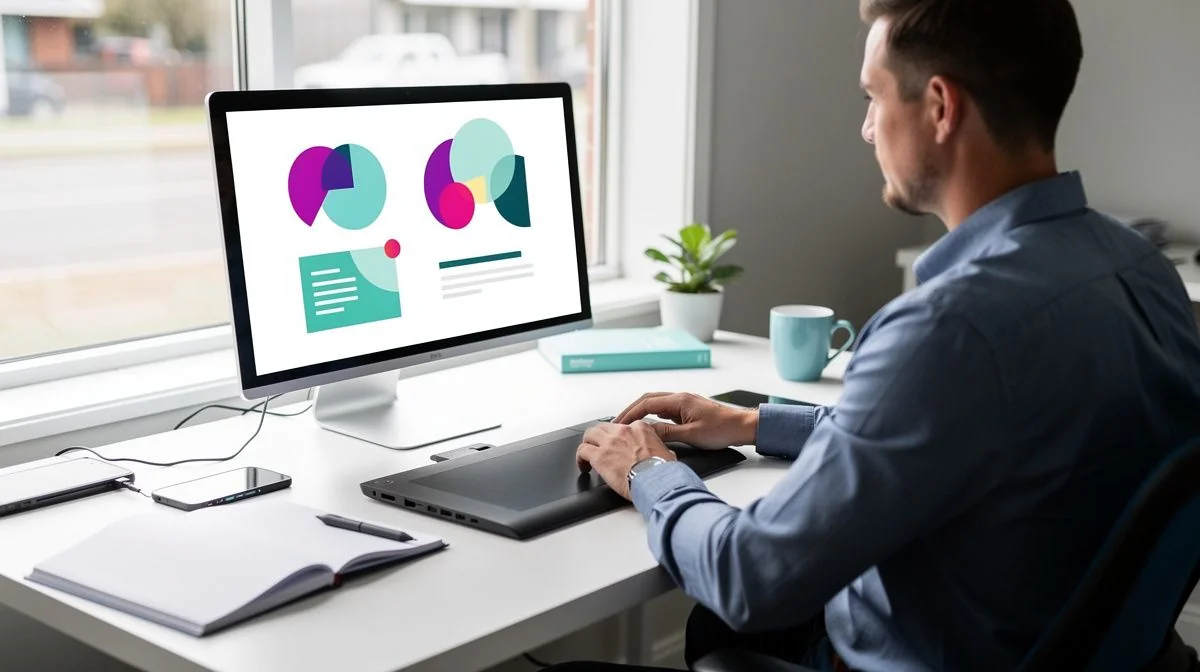
If you’re running a business in Masterton — whether it’s a vineyard, a retail store on Queen Street, or a trades service like plumbing or landscaping — a professional website is no longer optional. It’s how most customers find you, check your credibility, and decide whether to pick up the phone.
Finding the right web designer in Masterton means working with someone who understands your local market, your industry, and your budget. The Wairarapa region has a growing pool of talented designers and developers, from freelancers to small agencies. But with so many options, how do you choose the right one?
This guide walks you through what to look for, what to ask, and how to get the most from your web design project — all tailored to Masterton businesses.
What to Look for When Hiring a Web Designer in Masterton
Not all web designers are the same. Some specialise in e‑commerce, others in brochure-style sites, and some focus on SEO or branding. Here’s what to prioritise when evaluating candidates.
A Strong, Relevant Portfolio
Ask to see examples of websites they’ve built for businesses similar to yours — ideally in Masterton or the Wairarapa. A portfolio shows their design style, technical ability, and whether they can handle your type of project. Look for clean layouts, fast loading times, and mobile-friendly designs.
Local Knowledge
A designer who knows Masterton can offer practical advice. They’ll understand local search behaviour (e.g. “plumber Masterton”), know which platforms local customers use, and may even be able to meet you face to face. That personal touch is hard to beat.
Responsive Design and User Experience
More than half of web traffic comes from phones and tablets. Your site must look good and work smoothly on all screen sizes. Ask the designer how they approach mobile optimisation and user experience (UX). A great-looking site that’s hard to navigate will drive visitors away.
Search Engine Optimisation (SEO) Basics
A beautiful website is useless if no one can find it. Your designer should build sites with clean code, proper heading structure, meta tags, and fast load speeds. They don’t need to be an SEO expert, but they should follow best practices. Ask how they handle on‑page SEO.
Ongoing Support and Maintenance
Websites need updates — security patches, plugin updates, content changes. Some designers include a period of free support, others charge ongoing retainer fees. Clarify what happens after launch. Will they train you to make changes yourself, or do you need to pay for every update?
Key Questions to Ask Before Hiring a Web Designer
Asking the right questions early saves headaches later. Here are the essentials.
- What’s your design process? Do they start with wireframes or mockups? How many revisions are included? A clear process shows professionalism.
- Will the site be built on a content management system? Most modern sites use WordPress, Shopify, or Webflow. Ensure you can update content yourself without needing to code.
- How long will the project take? Timelines vary from a few weeks to a few months. Get a realistic estimate and a plan for milestones.
- Do you handle hosting and domain setup? Some designers manage everything, others expect you to sort it out. Know what’s included in the price.
- Can you show me analytics or case studies from past projects? Proof of results — like increased traffic, higher conversion rates, or client testimonials — gives you confidence.
- What happens if I’m not happy with the design? Understand their revision policy and how disputes are handled.
- Will the site be optimised for speed and accessibility? Slow sites hurt SEO and user experience. Ask about performance testing and compliance with Web Content Accessibility Guidelines (WCAG).
Tips for Getting the Best Results
Your relationship with the designer is a partnership. Here are practical ways to make the project run smoothly and deliver a site you love.
Prepare a Clear Brief
Before you approach designers, write down your goals. Who is your target audience? What action do you want visitors to take (book a service, buy a product, call you)? List examples of websites you like and why. A detailed brief helps designers quote accurately and understand your vision.
Invest in Good Content
Design is only half the story. Your website needs quality text, images, and perhaps video. Hire a professional copywriter or photographer if needed. Avoid generic stock photos. Real photos of your Masterton business — your team, your workshop, your local area — build trust with customers.
Be Available for Feedback
Designers often need quick decisions. Set aside time to review drafts, answer questions, and give honest feedback. Delays in your response can push the project out by weeks. Regular communication keeps everything on track.
Think Long Term
A website isn’t a one‑off expense. Plan for ongoing content updates, SEO work, and occasional redesigns every few years. Choose a designer who can grow with you, or at least provides tools and training so you can manage updates in‑house.
Test Before You Launch
Don’t skip user testing. Ask a few friends or customers to click through the site and give feedback. Check forms work, links go to the right places, and pages load quickly on mobile. Fix issues before going live.
A Note About Costs and Getting Quotes
Web design pricing in New Zealand varies widely. A simple one‑page site might cost a few hundred dollars, while a full e‑commerce store with custom features can run into the tens of thousands. For a typical small business site in Masterton — say, a five‑page brochure site with a contact form — you might expect to pay anywhere from $1,500 to $5,000,

The ValueHub Team built this site because finding clear, unbiased financial information in New Zealand was harder than it should be. Every guide is based on real research — we compare the actual fees, terms, and fine print so you don't have to. Our tip: shop around every year, read the policy docs, and never assume loyalty gets you the best deal.— The ValueHub Team
Try our Calculators
Use these free tools to crunch the numbers:
KiwiSaver Fund Comparison
Compare fees, returns, and risk levels across every KiwiSaver fund from all 31 NZ providers.
Currency Converter — USD to NZD
Convert US Dollars to New Zealand Dollars instantly. See the latest exchange rate and 30-day trend.
Mortgage Repayment Calculator
Calculate your weekly, fortnightly, or monthly mortgage repayments. Free NZ mortgage calculator — try different rates, terms, and repayment frequencies.
Compound Interest Calculator
See how your savings grow with compound interest over time. Free NZ compound interest calculator with yearly, monthly, and weekly compounding options.
Term Deposit Calculator
Calculate your term deposit returns before you lock in. Compare interest earned across different terms and rates with ValueHub's free calculator.
Savings Goal Calculator
Calculate how long it will take to reach your savings goal — and what monthly deposit you need to get there. Free NZ savings planner.
Web Designers in Other Cities
Latest Guides & Reviews
New Zealand Financial Markets Authority Guide: Investor Protection in NZ
Protect your investments with this practical guide to the FMA — how to check licences, spot scams, and what to do if a provider fails. Verified against...
comparisonEV Home Charger NZ: Costs & Buying Guide
Compare EV home charger costs in NZ — verified prices from $1,299, installation fees, smart features, and what actually matters for your home's power supply.
guideThe Most Popular EVs in New Zealand
The best-selling electric cars in New Zealand, ranked by official registration data. Top BEV and PHEV models and brands, updated monthly.
guideEV Market Stats
New Zealand's EV market in numbers — market share, fleet size, top-selling models and used imports, updated with the latest NZTA and MIA data.