Hire a Screen Printer in NZ: Complete Guide
Published 25 August 2025 · Updated 16 April 2026 · Written by the ValueHub team · Reviewed by Steve Baron
Hire a Screen Printer in NZ: Complete Guide
Screen printing is not a licensed trade in New Zealand. There is no screen printer's licence, no register, and no certificate to ask for. If you go looking for one, you will not find it, and that is worth knowing before you start ringing around.
What is regulated is the label. The moment a screen printer prints a garment, they become a supplier of new clothing under New Zealand's country of origin labelling rules — and printing "NZ Made" or a fern on an imported shirt is one of the clearest ways to breach the Fair Trading Act. That single fact changes the conversation you should be having with your printer.
This guide covers what screen printing is good for, what drives the price, the labelling rules that catch people out, and the questions that separate a careful operator from a cheap one.
How We Researched This Guide
We started with the Commerce Commission's guidance on country of origin labelling, because it is the one part of this trade with hard legal rules attached. The Consumer Information Standards (Country or Territory of Origin (Clothing and Footwear) Labelling) Regulations 1992 are short, and the Commission's own fact sheet is blunt: a supplier cannot assume goods comply just because a manufacturer or wholesaler offered them for sale. That sentence is the spine of this guide.
We also checked the Fair Trading Act 1986 penalties, which are set out in full on legislation.govt.nz. What surprised us was the symbol point — the Commission has warned that kiwis and flags can mislead about origin even when no words are used. A silver fern on an imported tee is not a neutral decoration.
ValueHub's Trusted Providers
We've researched the providers below — here are our picks for this category.
A1 Embroidery & Screenprint delivers top‑quality uniforms, sportswear, headwear and corporate apparel for teams, schools and businesses NZ‑wide. With advanced embroidery, award‑winning screenprinting, digital and sublimation options, their Petone team creates standout branding with fast service, great design, and reliable craftsmanship.
The Quick Summary (60-Second Version)
Here is the short version if you are ordering this week.
- Screen printing has no occupational licence in New Zealand, so there is no register to check — you are judging the business, not a certificate.
- New clothing supplied in NZ needs a permanent country of origin label in English, with no letter under 1.5 mm high, and the Commission's view is that side-seam labels are unlikely to comply.
- It is an offence under section 28 of the Fair Trading Act to supply clothing without that label, and fines run to $30,000 for a company and $10,000 for an individual.
- Price is driven by the number of colours, not just quantity — each colour is a separate screen and a separate pass.
- Dark garments usually need a white underbase, which is an extra screen and an extra cost.
- Get a physical strike-off on the actual garment before the full run, and agree who owns the screens afterwards.
What Screen Printing Is Good At, and What It Is Not
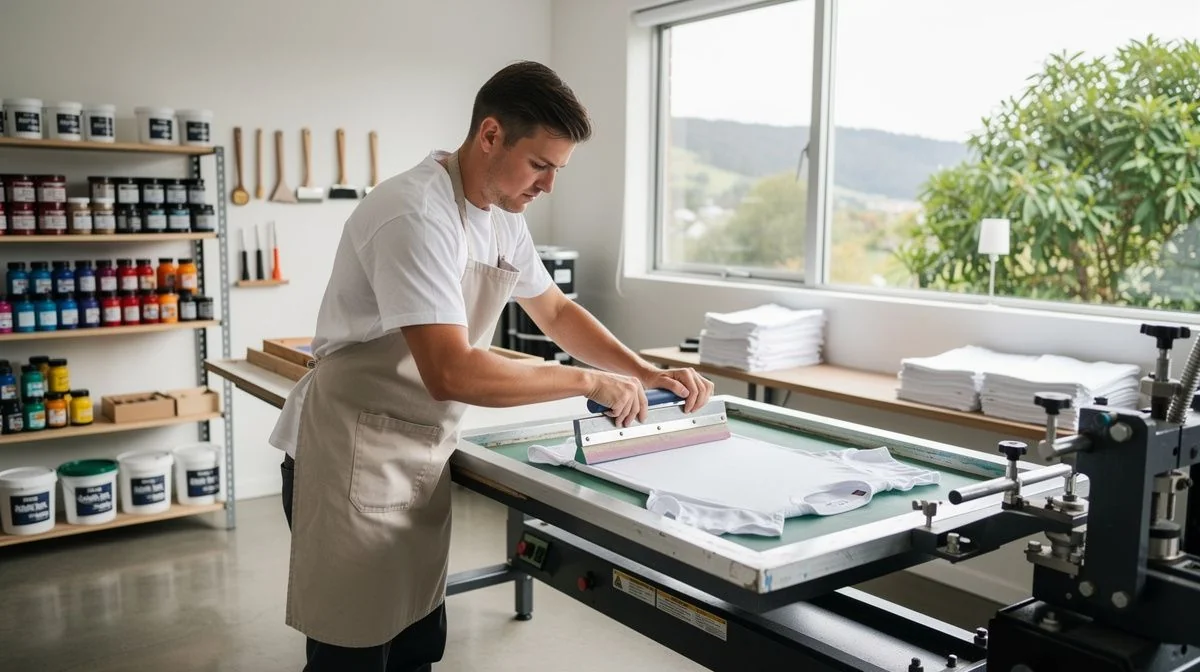
Screen printing pushes ink through a mesh stencil, one colour at a time. That gives a thick ink layer, vivid colour, and a print that survives repeated washing better than most alternatives. It is the right method for branded workwear, school and club uniforms, sports jerseys, event merchandise, and tote bags.
It is also the right method for large runs, because the setup cost is high and the per-unit cost falls steeply as quantity rises. A one-colour print on fifty shirts and a one-colour print on five hundred shirts are not the same job economically, even though the design is identical.
Where screen printing struggles is short runs with many colours. If you want twelve shirts in six colours, the setup will dominate the invoice and a digital method may serve you better. A good printer will tell you that rather than take the job.
Colours, screens and underbases
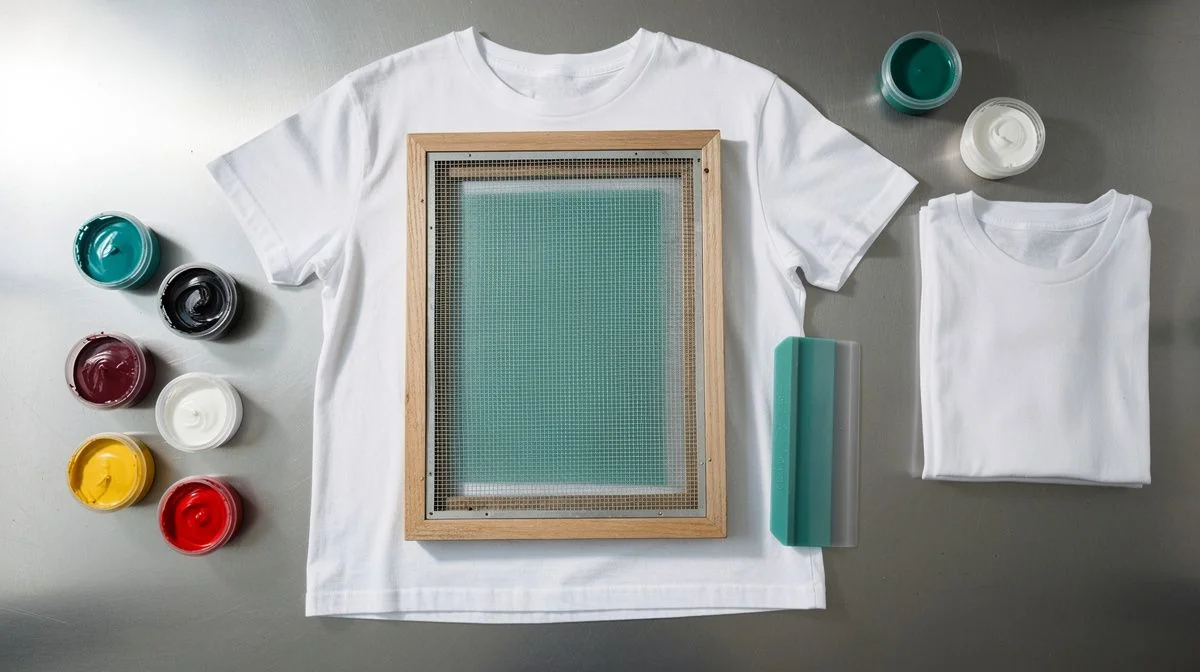
Every colour in your design needs its own screen and its own pass through the press. That is why a one-colour design and a six-colour design are entirely different jobs, not variations on a theme.
What to ask before you commit
| Question | Why it matters |
|---|---|
| Where were the blanks made? | Determines what origin claim you can lawfully print |
| What country of origin label do they carry? | Section 28 of the Fair Trading Act requires one |
| Can I have a strike-off on the actual garment? | Catches colour and registration problems before the run |
| Who owns the screens afterwards? | Screens are the printer's tooling, not your property by default |
| How many colours, and is an underbase needed? | Both drive the price more than quantity does |
The Labelling Rule That Catches People Out
This is the part of screen printing with real legal teeth, and it is the part almost nobody asks about. The Consumer Information Standards (Country or Territory of Origin (Clothing and Footwear) Labelling) Regulations 1992 require all new clothing and footwear supplied in New Zealand to carry a label telling consumers where the product was made.
The label must be in English, permanent, and visible when the buyer examines the garment. No individual letter can be less than 1.5 mm high. The Commerce Commission's view is that origin labels in side seams are unlikely to meet the requirement, and that they should sit clearly in the neck area of the garment.
It is the supplier's responsibility, and the Commission states plainly that a supplier cannot assume goods comply because a manufacturer or wholesaler offered them for sale. A screen printer who prints a garment has supplied it. That is the trap.
"NZ Made" on an imported blank
The Commission is explicit that there is no precise formula for calling something New Zealand made. The test is whether the claim is likely to mislead consumers under the Fair Trading Act. For clothing, the consideration is where the item is actually changed from fabric into a garment.
If important components are imported, a "New Zealand made" claim is risky. Where there is a mix of local and offshore content, the Commission's guidance is to use explicit wording — "designed in NZ and manufactured in China" — rather than a bare origin claim.
What the penalties look like
What Actually Drives the Price
Screen printing has a high fixed cost and a low marginal cost. The per-unit price is not a market rate — it is a function of how many you order, and how many colours are in the design. That is the whole pricing story.
The fixed side covers artwork separation, screen making, press setup and the first run-up. The marginal side covers the garment, the ink, and the time on the press. Spread the fixed side over fifty shirts and it dominates. Spread it over five hundred and it nearly disappears.
Other drivers: the size of the print, whether an underbase is needed on a dark garment, the garment itself, and how quickly you need it. Rush jobs cost more because they disrupt the schedule.
Health and safety, briefly
Screen printing uses solvent-based and plastisol inks, screen wash and reclaim chemicals, emulsion removers, and spray adhesives. These are hazardous substances managed under the Health and Safety at Work (Hazardous Substances) Regulations 2017, and anyone handling them must be properly trained.
The specific requirements depend on the substance and the quantity held, so we will not invent thresholds. The reasonable questions are about ventilation, storage, and how the workshop disposes of waste solvent and ink — because that waste is not general rubbish.
Questions You Might Have
Do I need to check a screen printer's licence?
There is no screen printing licence or register in New Zealand, so there is nothing to check in that sense. What you can check is the business: a company registration, evidence of insurance, references from recent local jobs, and a written quote. For unlicensed trades, those substitutes are the real verification.
Can my printer legally print "NZ Made" on an imported shirt?
Almost certainly not, and it is the printer's problem as much as yours, because they supplied the goods. The Commerce Commission's test is whether the claim is likely to mislead, and for clothing it looks at where the item was changed from fabric into a garment. Ask the question before the screens are made.
What is a strike-off and do I really need one?
A strike-off is a sample printed on the actual garment before the full run. It shows you the real colour, the registration across multiple colours, and how the ink sits on that fabric. It is the cheapest insurance in the whole job — far cheaper than a hundred shirts you cannot use.
Why does my quote change so much between printers?
Usually because they have described different jobs. One may have priced a one-colour print on a light garment; another may have assumed an underbase, a larger print, or a different blank. Make every printer quote the same scope, the same colours and the same garment, then compare.
What happens if the print is wrong when the order arrives?
Give the printer the chance to fix it first. Under the Consumer Guarantees Act 1993, services must be carried out with reasonable care and skill, but if you get the fault fixed elsewhere without going back to the supplier, you lose the right to recover that cost. Put your complaint in writing before you do anything else.
What Matters Most
The screen printing trade has no licence to check, so the verification has to happen somewhere else. It happens in the written quote, the strike-off, the references, and the one question almost nobody asks: where was this garment made, and what does that let us print on it?
That question protects you twice. It protects you from a Fair Trading Act problem you did not know you had, and it tells you whether the printer is thinking about compliance or just about ink. A printer who shrugs at it is a printer who has not thought about the label.
On price, remember the shape of the cost. Colours and quantity drive it, the fixed cost dominates small runs, and the cheapest quote is usually the one with the narrowest scope. Compare scope, not numbers.

The ValueHub Team built this site because finding clear, unbiased financial information in New Zealand was harder than it should be. Every guide is based on real research — we compare the actual fees, terms, and fine print so you don't have to. Our tip: shop around every year, read the policy docs, and never assume loyalty gets you the best deal.— The ValueHub Team
Try our Calculators
Use these free tools to crunch the numbers:
KiwiSaver Fund Comparison
Compare fees, returns, and risk levels across every KiwiSaver fund — the most up to date data in New Zealand.
Currency Converter — USD to NZD
Convert US Dollars to New Zealand Dollars instantly. See the latest exchange rate and 30-day trend.
Mortgage Repayment Calculator
Calculate your weekly, fortnightly, or monthly mortgage repayments. Free NZ mortgage calculator — try different rates, terms, and repayment frequencies.
Compound Interest Calculator
See how your savings grow with compound interest over time. Free NZ compound interest calculator with yearly, monthly, and weekly compounding options.
Term Deposit Calculator
Calculate your term deposit returns before you lock in. Compare interest earned across different terms and rates with ValueHub's free calculator.
Savings Goal Calculator
Calculate how long it will take to reach your savings goal — and what monthly deposit you need to get there. Free NZ savings planner.
Related Articles
How to Hire a Window Tinting Specialist in NZ
Learn how to choose a qualified window tinting specialist in New Zealand. Covers qualifications, costs, red flags, and NZ...
guideHouse Washing Services in NZ: Complete Guide
Hiring a house washer in NZ? Learn about soft wash vs pressure wash, qualifications, pricing, red flags, and tips. Expert...